Bring PDFs together
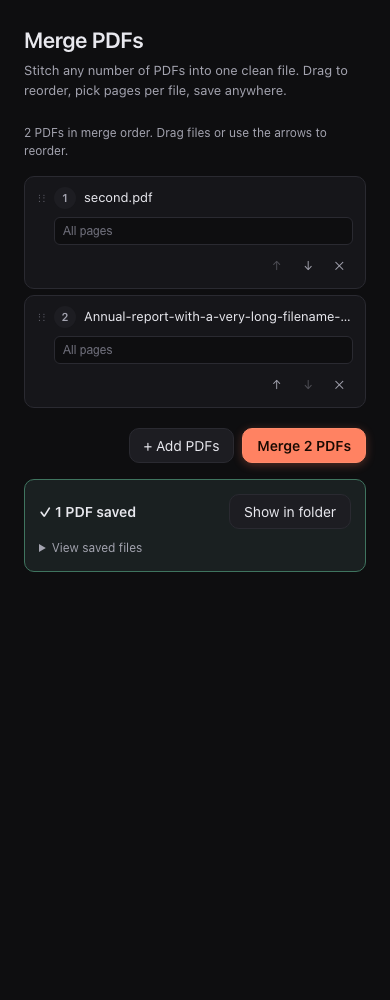
Merge documents in your chosen order, select pages from each file, and save one combined PDF.
- Merge
- Insert
v3.40 · Balanced Split
A complete PDF toolkit for macOS, Windows, and Linux that runs entirely on your computer. Merge, OCR, redact, sign, and automate — with on-device AI and zero telemetry. Free forever, open source, no accounts.
A little glass. Your favorite color.
Choose this website’s accent. Saved only in this browser.
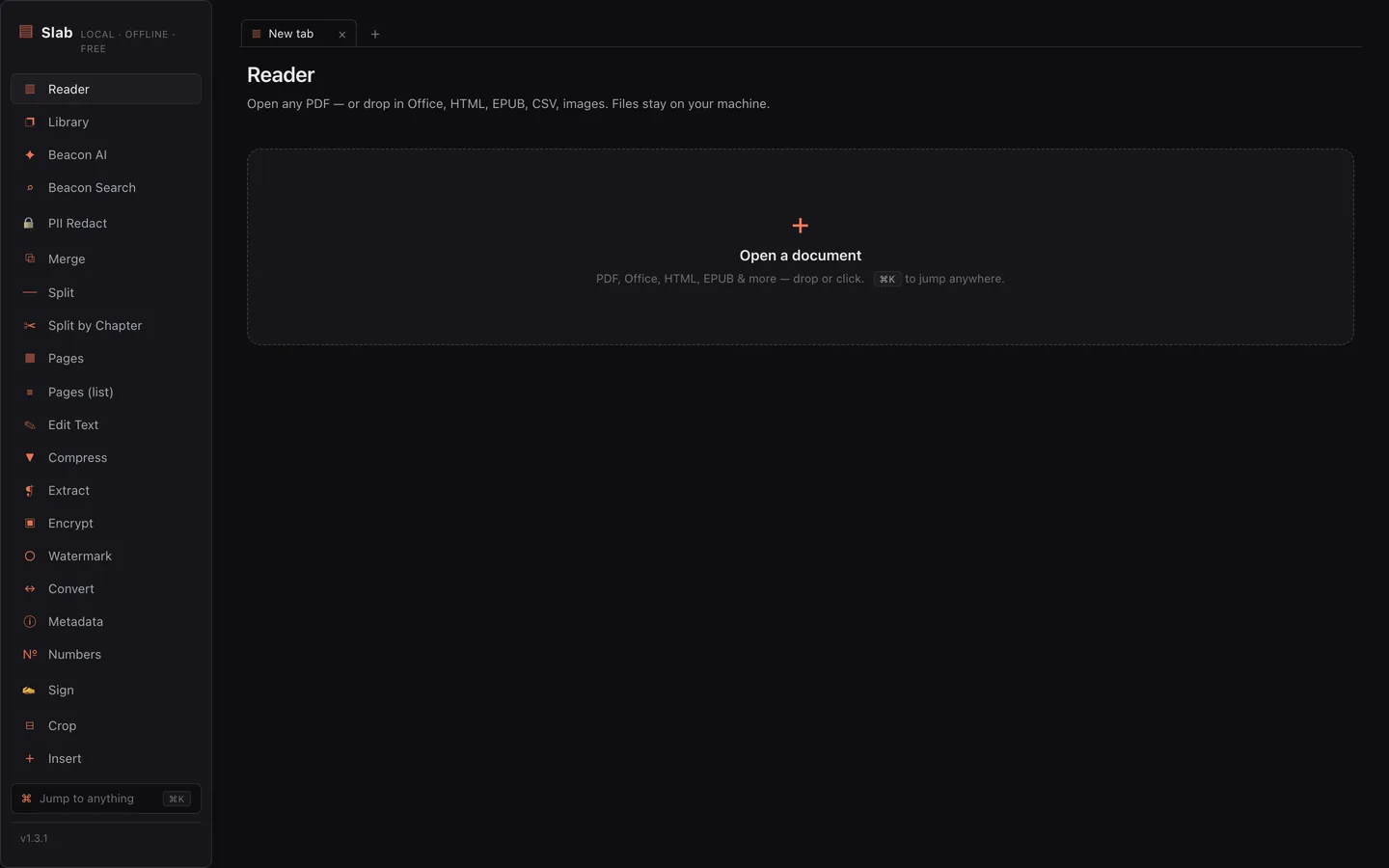
01 — The toolkit
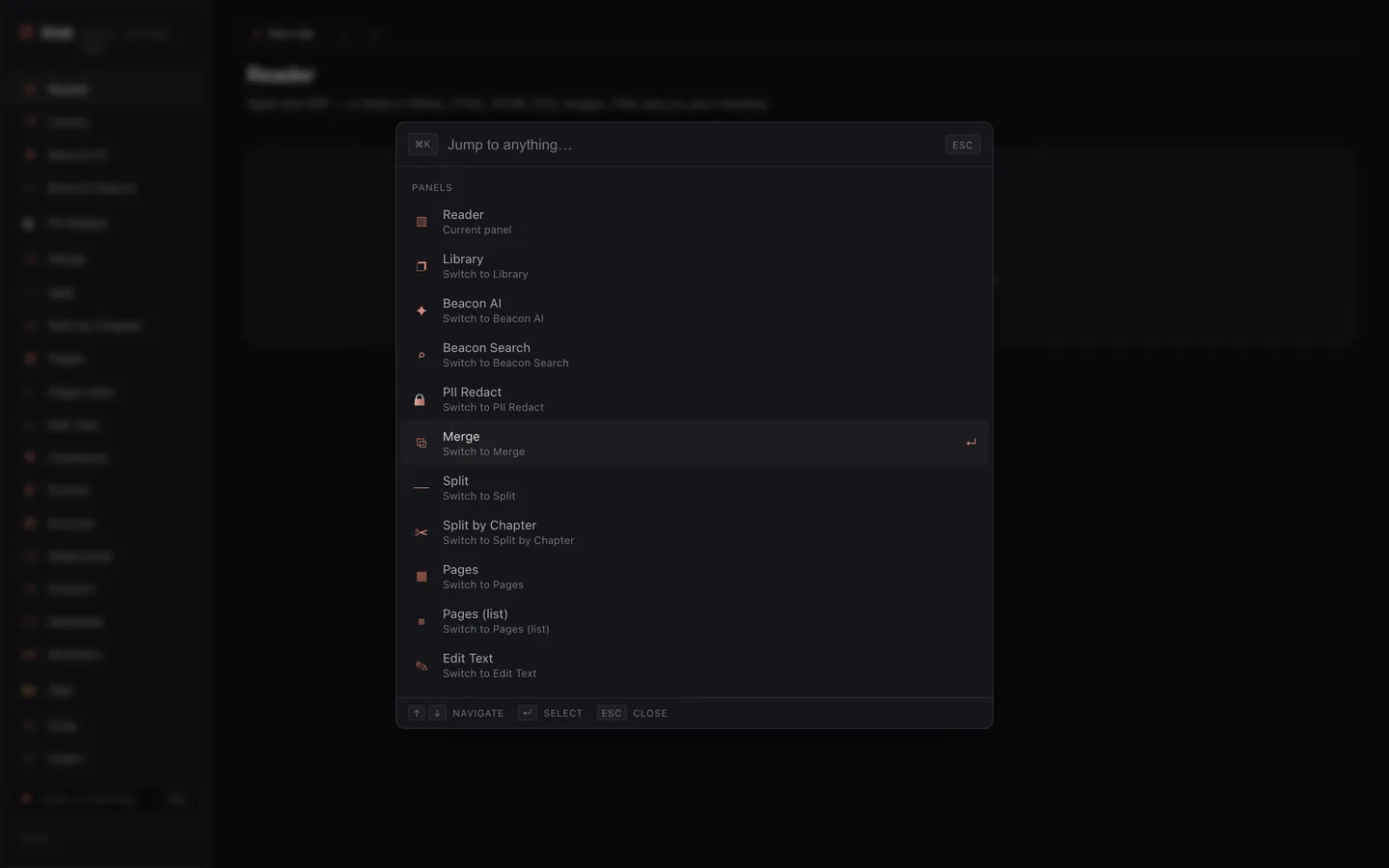
Sixty-five tools, one ⌘K palette to reach them all. The short list:
Built for the whole workflow
From a scanned receipt to a print-ready report. Explore eighteen workflows already available in Slab.
18 features
Merge documents in your chosen order, select pages from each file, and save one combined PDF.
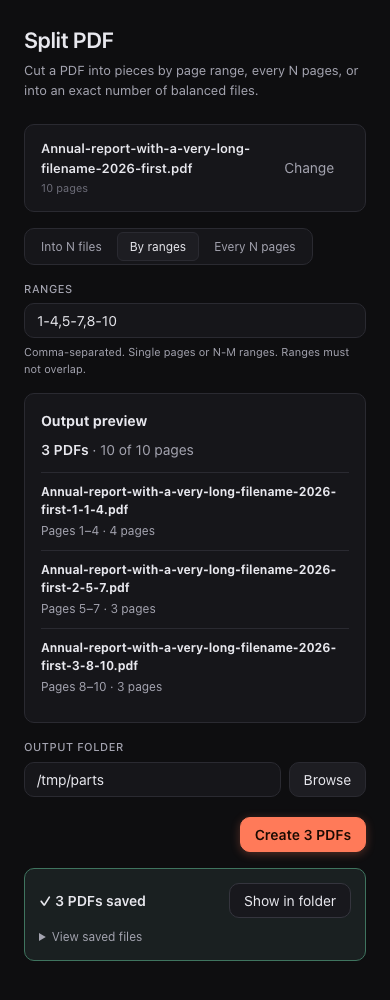
Choose an exact number of balanced files, custom ranges, or every-N-page chunks. Preview the outputs before saving.
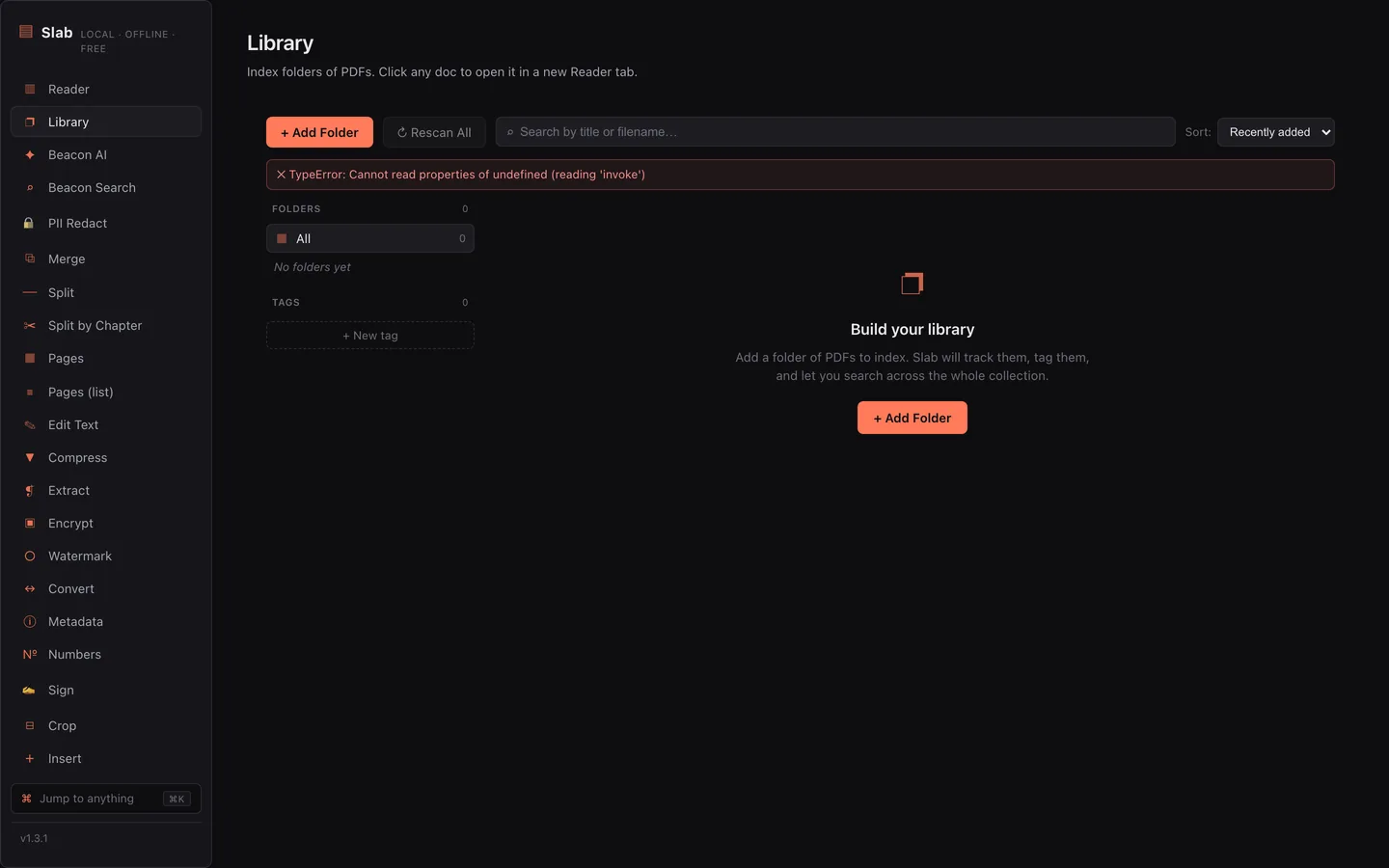
Reorder, rotate, delete, or duplicate pages. Use the library, folders, and tags to find your documents again.
Export PDF content to an editable Word document, or turn detected tables into an Excel workbook or CSV.
Export to EPUB for your e-reader, or extract content as Markdown and HTML. Turn Markdown back into a PDF, too.
Run OCR on scanned pages to add searchable text. Extract text from documents without retyping them.
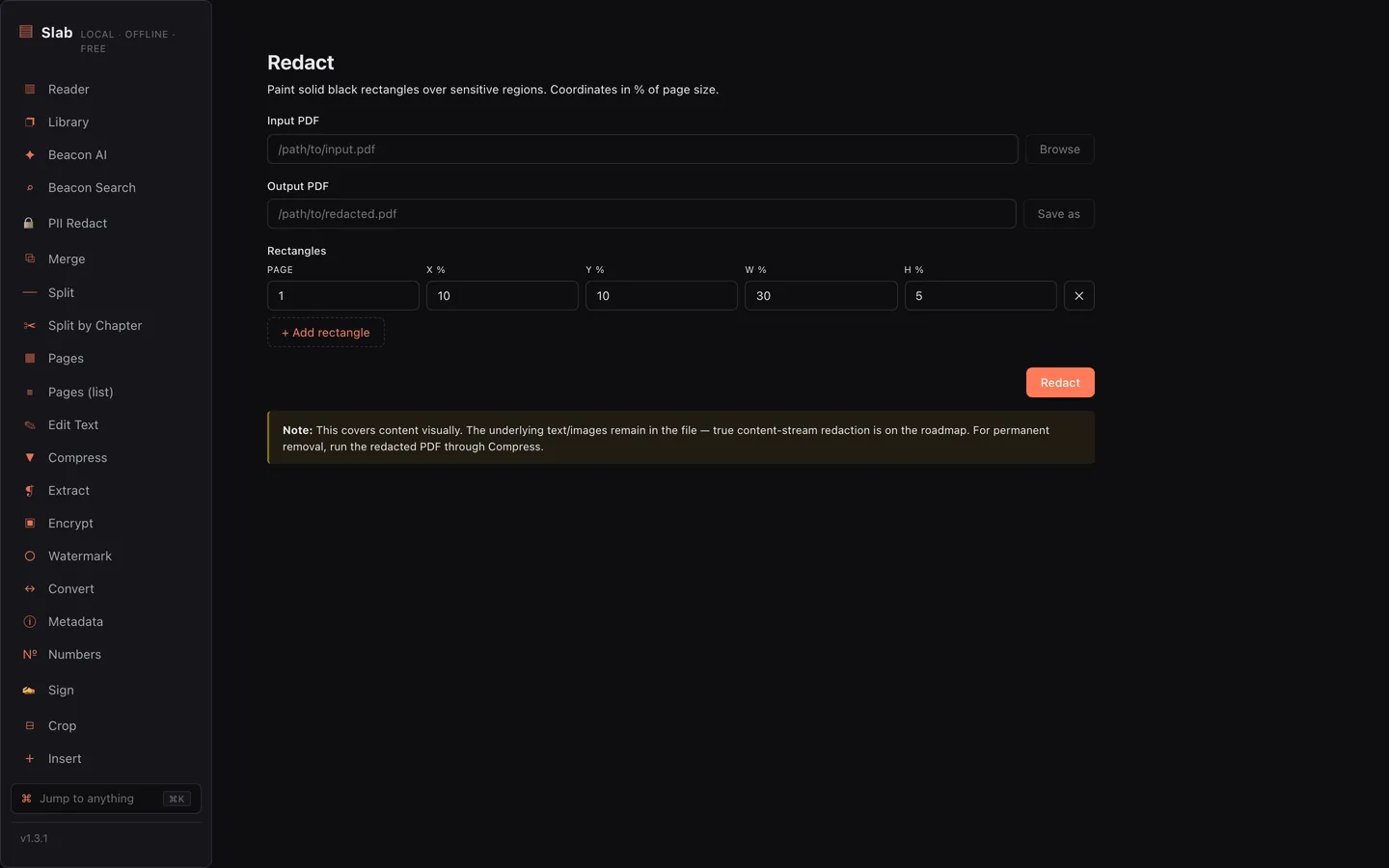
Redact content, detect common personal information, and sanitize hidden metadata before sharing a document.
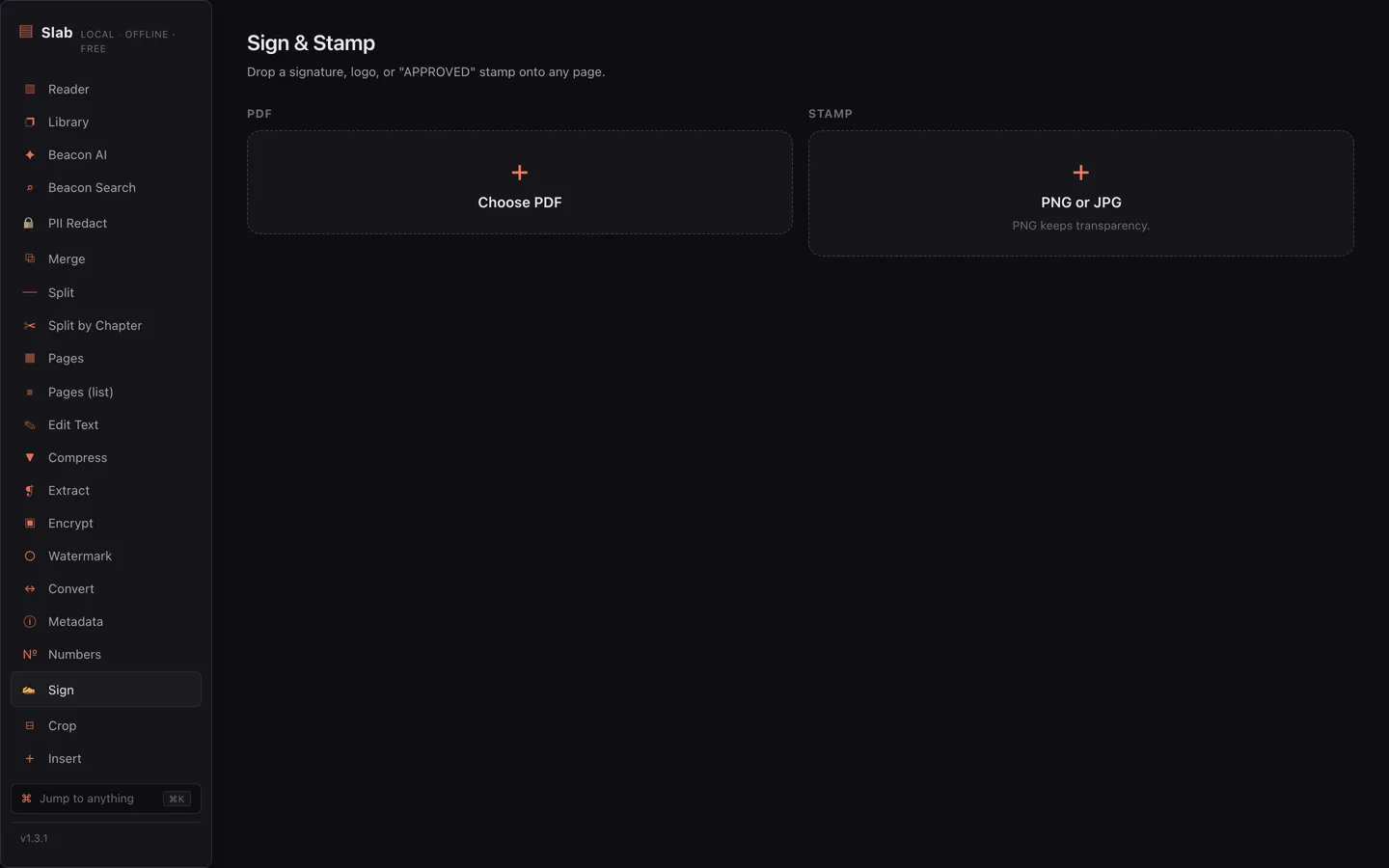
Place a visible signature, or use Signet for certificate-based digital signatures and offline verification.
Add password protection and permissions. Watermark copies and flatten form fields when preparing a final version.
Watch a folder and route incoming PDFs by filename, contents, page count, or size. Preview matches before enabling a rule.
Chain repeated PDF operations into an Atelier recipe, then reuse the same sequence across your documents.
Map CSV columns to a fillable PDF template and generate a personalized copy for each row.
Compare document versions with text and visual comparisons. Use a three-way comparison when revisions share a common original.
Convert to PDF/A and inspect archival compliance with a per-rule report, including warnings that need attention.
Use Press to export PDF/X-4 with a print output intent. Add Bates numbers and page labels to organize a large set.
Fill existing PDF forms, author fields in Quill Designer, or use Auto-Detect to propose fields for review.
Crop margins, add headers and footers, and arrange multiple pages on a sheet with N-up layouts.
Present your PDF with Slides, or settle into Theater’s distraction-free workspace for long-form reading.
Try a different phrase or browse all tasks.
New in v3.40
Split a report into an exact number of PDFs. Slab divides every page into balanced, consecutive parts, with extra pages in the first files. Ten pages into three files? Four, three, three.
Open Split, choose Into N files, and review the filenames and page ranges before saving. The preview also works with custom ranges and every-N-page chunks.
See what’s new →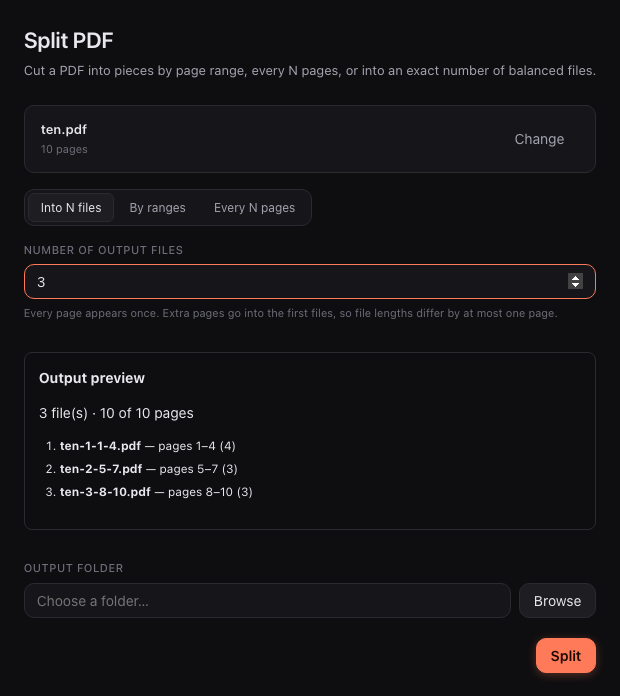
Try it
The real ⌘K palette from the app, running right here. Type to filter all 65 tools.
65 tools
02 — Beacon
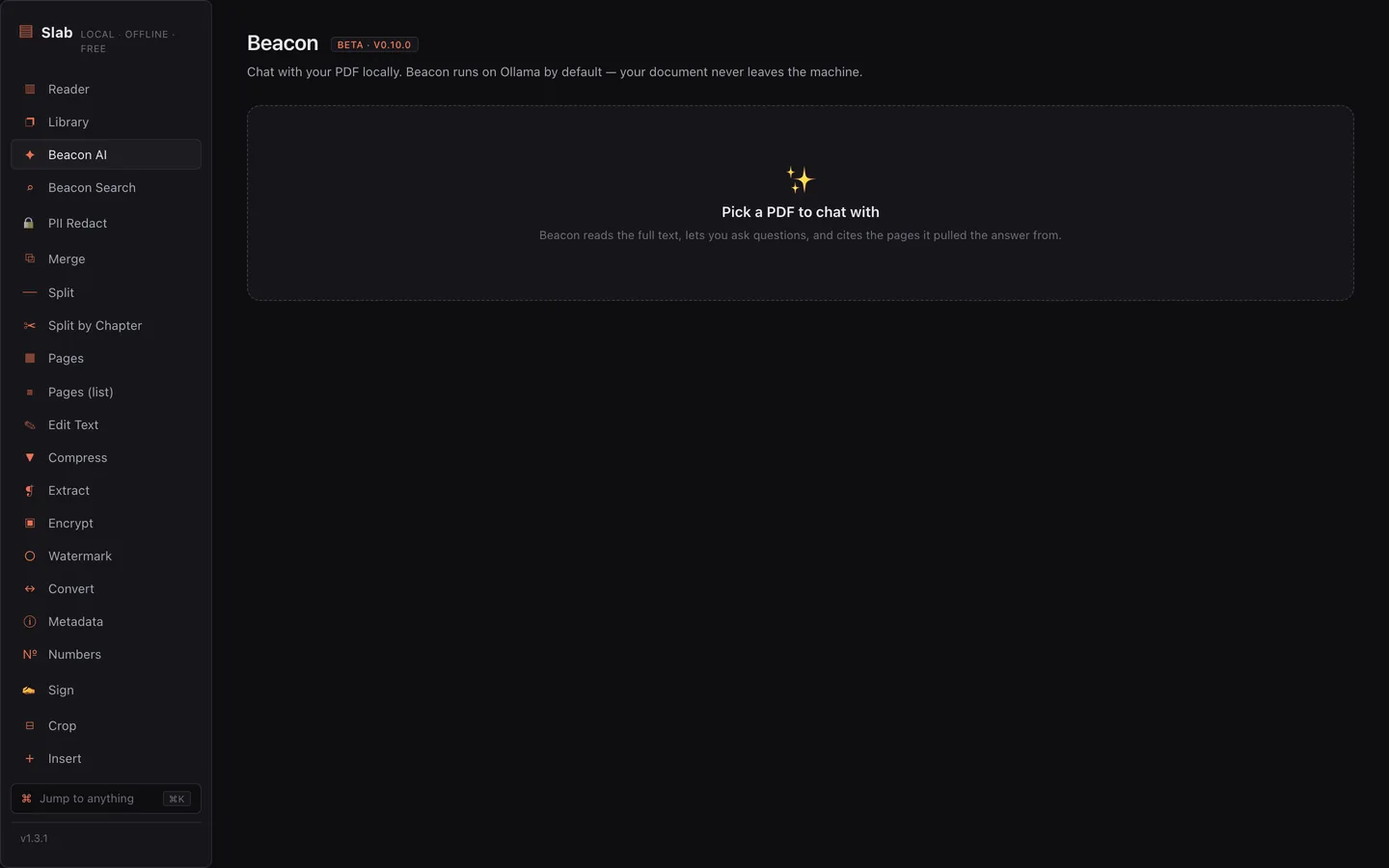
Chat with citations, summaries, semantic search, PII redaction, study mode, voice — running on-device by default. No API keys, no quotas, no “AI plan.” Unplug the network and keep working.
03 — Hopper
Point Hopper at a folder — ~/Downloads, a scanner, a shared inbox — and attach a recipe. New PDFs get flattened, OCR’d, redacted, watermarked, renamed by Beacon, and filed away. A live log streams every run. ⇧⌘H to open it.
Six predicate kinds route each file — first match wins, the rest fall through.
Edit a predicate and green ✓ chips light up beside your actual recent files, showing what each rule would catch.
Hazel is $42 and can’t read PDFs. Adobe’s automation needs an enterprise license and phones home. Hopper is free and local.
04 — Slab Server
Headless Slab: an HTTP API plus a drag-and-drop web UI in a single Docker image. Put it on your NAS, script it, hide it behind a reverse proxy. Same Rust core as the desktop app.
05 — Foundry
A declarative plugin system — themes, locales, commands, AI providers, PDF actions — without writing Rust. A typed TypeScript SDK ships three working examples inside the app, and Bench is the signed marketplace.
Coming in the next release
The new Glass appearance pairs translucent panels with nine accent colors. Choose a warm Orange, a quiet Slate, or a fresh Teal, with comfortable and compact spacing.
Split and Merge also get clearer output previews, saved-file confirmations, and a Show in folder action to take you straight to the results.
These improvements are merged into the main branch. The current download is v3.42.7; this preview shows what is coming next.
Explore the preview →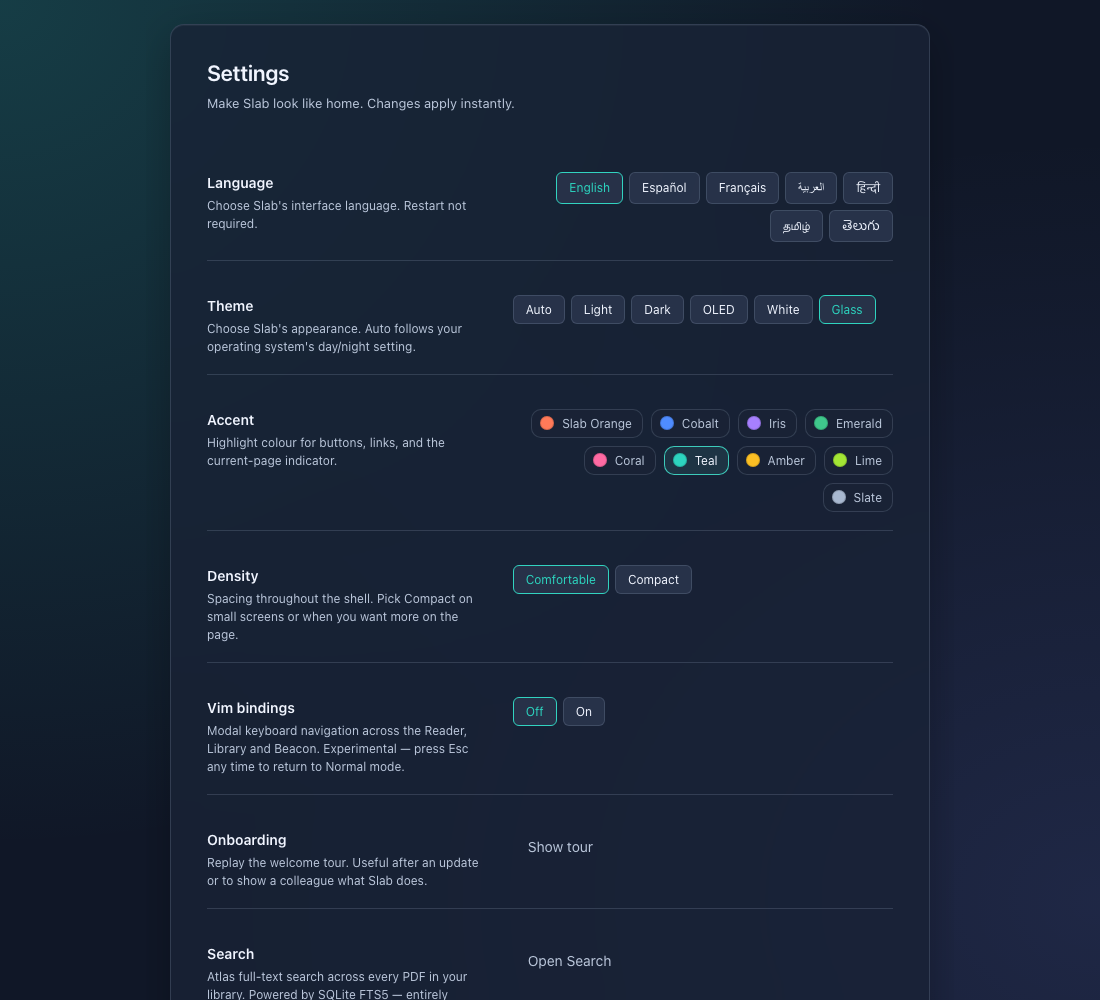
Screenshots
The honest table
| Slab | Adobe Acrobat | Hazel | |
|---|---|---|---|
| Price | Free, GPL-3.0 | Subscription | $42 |
| Files stay on your machine | Yes | Cloud round-trips | Yes |
| Offline AI inside PDFs | Yes, on-device | — | Can’t read PDFs |
| Watched-folder PDF automation | Hopper, free | Enterprise license | Rules, no PDF content |
| 65 PDF tools | Yes | Yes | — |
| Plugin marketplace | Foundry, signed | — | — |
| Telemetry | None | Yes | None |
Prices as publicly listed.
Questions
Yes — free software under the GPL-3.0, free forever. No accounts, no trials, no upsells, no “pro” tier.
Completely. Every tool runs on your machine — including Beacon, the AI. Unplug the network and keep working.
macOS (Apple Silicon and Intel), Windows, and Linux. Slab Server ships as a Docker image for your NAS or homelab.
Nowhere. They never leave your computer — no cloud round-trips, no telemetry, no analytics. This site sets zero cookies too.
It’s free, local-first, and open source. No subscription, no cloud lock-in, and your documents are never uploaded anywhere.
It’s built in the open on GitHub — star the repo, file issues, send pull requests. That’s the whole business model: there isn’t one.
Download
v3.42.7 — server error codes, Split ranges & accessibility. Release notes →
Apple Silicon & Intel
Installer & MSI
AppImage, Debian & RPM
Self-host Slab Server